
PortaPack — One-File Web Experiences
Why we built a fun bundler that squishes your entire site into a single HTML file.
A powerful, zero-config logging library for Node.js and browsers with rich styling, transport options, and a universal schema for logging styles compatible with OpenTelemetry.

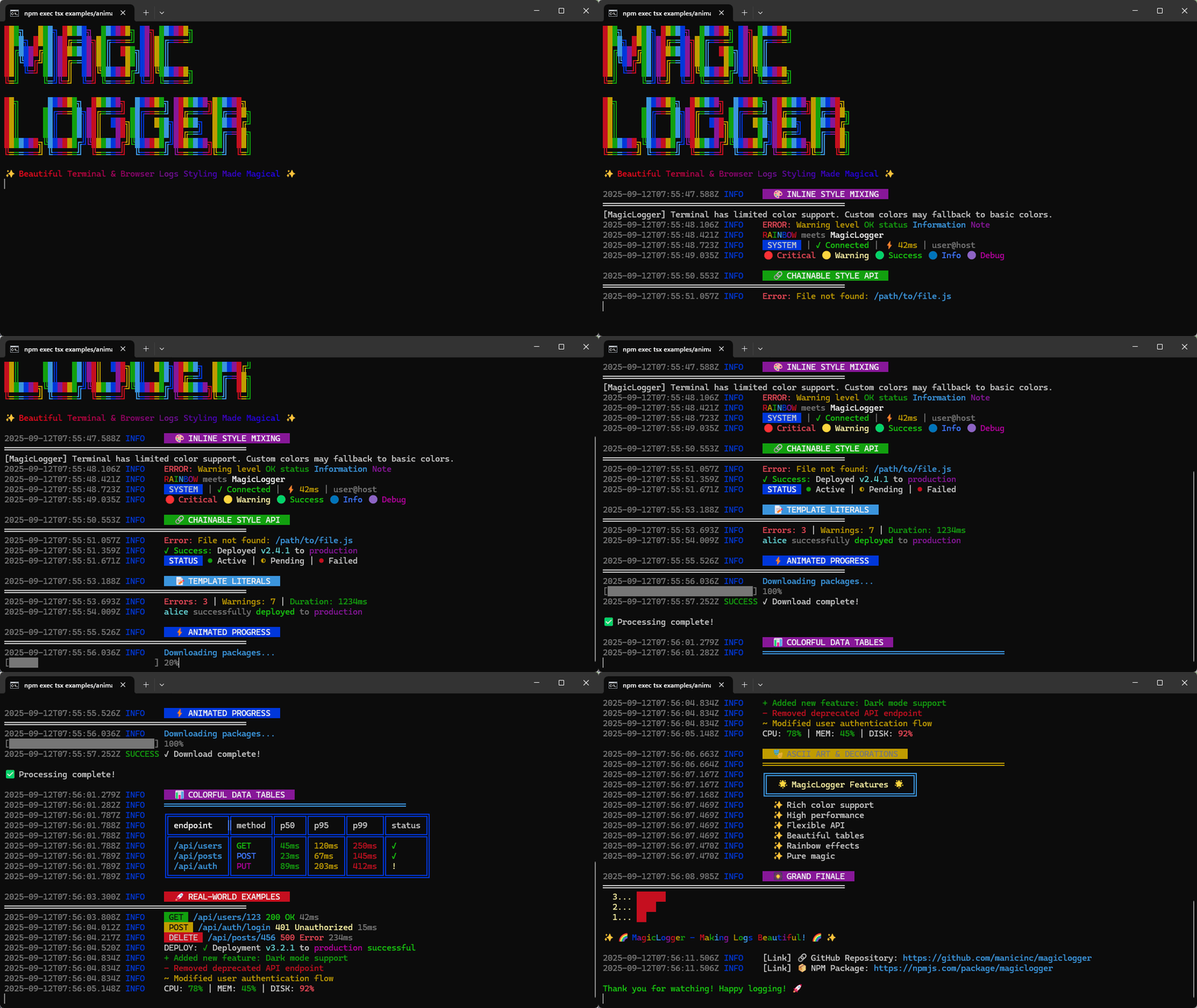
A powerful, zero-config logging library for Node.js and browsers with rich styling, transport options, and a universal schema for logging styles compatible with OpenTelemetry.
Simplify your logging with a single library that works everywhere.
import { Logger } from 'magiclogger';

// Create a new logger with default settings
const logger = new Logger();

// Log with different levels
logger.info('Application starting up...');
logger.warn('Connection pool nearing capacity');
logger.error('Database connection failed');
logger.debug('User authentication details');
logger.success('Email sent successfully');

// Add visual elements
logger.header('SYSTEM STATUS');
logger.progressBar(75);  // 75% progress bar

// Structured logging
logger.info('User logged in', { userId: 123, ip: '192.168.1.1' });
MagicLogger sends your logs wherever you need them:
const logger = new Logger({
  // Log to console with colors
  console: {
    enabled: true,
    useColors: true
  },

  // Save logs to files (Node.js)
  file: {
    enabled: true,
    directory: './logs'
  },

  // Store logs in browser localStorage
  browserStorage: {
    enabled: true,
    maxEntries: 1000
  },

  // Send critical logs to your server
  remote: {
    enabled: true,
    endpoint: 'https://logs.example.com/api/logs',
    levels: ['error', 'warn']
  }
});
Enhance your existing logging code without refactoring:
// Enhance the standard console
import { enhanceConsole } from 'magiclogger';
enhanceConsole();

// Now standard console has new powers
console.header('APPLICATION STATUS');
console.success('All systems operational');

// Create Winston/Bunyan/Pino compatible loggers
import { createWinstonCompatible } from 'magiclogger';
const logger = createWinstonCompatible({ verbose: true });
MagicLogger is currently in development and will be available soon. Stay tuned for its release!
Built with ❤️ by Manic Agency - We do experimental design & development
Why we built a fun bundler that squishes your entire site into a single HTML file.

How our AI-driven SEO workflow lifted “Manic Agency” from position

Voice-first AI coding assistant that understands context, writes production code, and manages your entire development workflow through natural conversation.